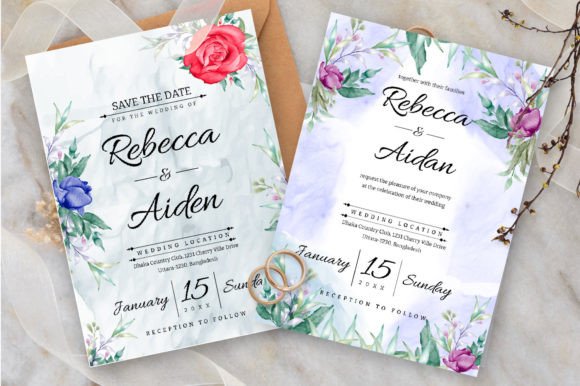
Floral Design Wedding Invitation: From Concept to Application
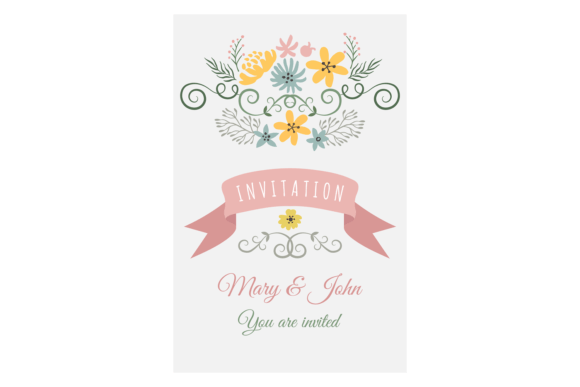
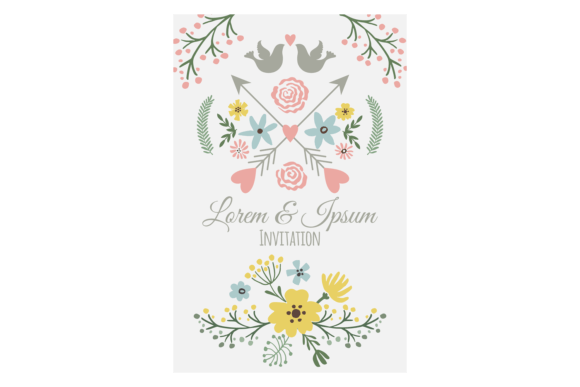
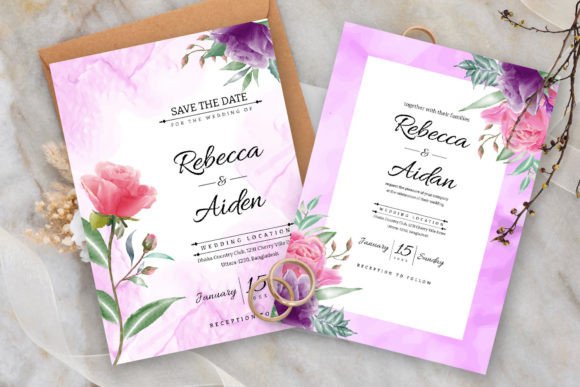
A Floral Design Wedding Invitation is more than just a beautiful image; it is a versatile design system. At its core, it is a digital artwork featuring elegant floral arrangements, often intertwined with typography for names, dates, and details, specifically crafted for wedding announcements. However, its true value lies in its intended application across a wide range of physical products—from the invitation card itself to shirts, clothes, posters, stickers, and tote bags. This multifunctional purpose makes it an attractive asset not only for couples planning their weddings but also for creators, small business owners, and merchandisers looking for a cohesive, romantic visual theme.
Beyond the Single Use: Understanding the Design Package
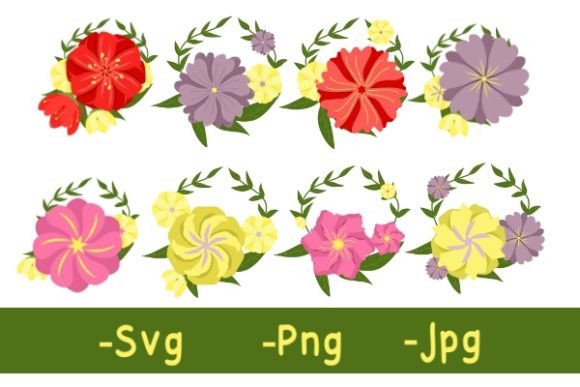
A common initial misunderstanding is viewing this solely as a "wedding invitation template." If you approach it with that narrow focus, you miss the bulk of its utility and economic potential. The package typically includes multiple digital files—AI, EPS, SVG, JPG, and PNG—each serving a distinct professional purpose. The vector formats (AI, EPS, SVG) are crucial. They allow for infinite scaling without loss of quality, which is essential when adapting the same floral motif from a small sticker to a large poster or garment print. Mistaking the JPG as the primary or only useful file is a frequent error that limits future flexibility and quality.
Choosing the Right Format for Your Project
Let’s consider a realistic scenario. You purchase a Floral Design Wedding Invitation bundle to create wedding cards and matching bridesmaid t-shirts. If you only use the provided JPG file for the t-shirt design, a printer might warn you that the image resolution is fixed at 1920px by 1280px. Scaling it up for a large print could result in a pixelated, blurry outcome. The better approach is to immediately open the SVG or EPS file in your design software. These formats contain editable paths and curves, meaning you can not only resize flawlessly but also easily change colors, separate floral elements, or adjust the text to suit different products—all while maintaining pristine sharpness.
Overlooked Details in Application and Editing
Even with the correct file, practical pitfalls await. One is underestimating the importance of bleed and margins when moving from digital to physical. The design’s canvas size is a digital workspace. When printing on cards or apparel, you must account for cut lines and fabric seams. A floral element crucial to the design placed too close to the edge might be trimmed off or obscured in a tote bag’s seam. Experienced designers always extend key backgrounds or use the editable vector files to reposition elements safely within a defined safe area before sending to a printer.
Another subtle mistake involves color reproduction. The vibrant pinks and greens of a floral design on your screen may not translate perfectly to a cotton shirt or a matte poster paper. This is not a flaw of the design itself but a reality of different printing techniques. A helpful corrective step is to consult with your chosen printer early. Ask for their color profile or a small test print, especially if the floral theme’s color harmony is central to your project’s aesthetic. Using the editable vector files, you can make slight adjustments to saturation or value to better suit the output medium.
Integration and Brand Cohesion
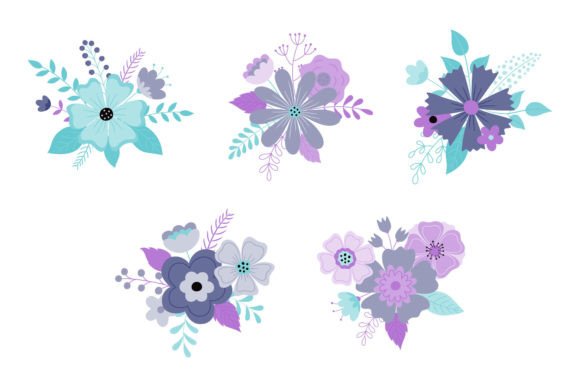
For entrepreneurs and small businesses, this design package offers a quick route to a product line. A common misstep here is applying the design haphazardly across different items without considering unity. For example, using the full, complex invitation layout with all text on a small sticker might create a cluttered, unreadable result. The better choice is to leverage the editable nature of the vector files to isolate individual floral clusters or motifs for smaller items like stickers, while using the full composition for larger posters or tote bags. This creates a family of products that feel connected but are each optimized for their purpose.
Evaluating Quality and Licensing Before Purchase
Before committing to a Floral Design Wedding Invitation bundle, a few constructive checks can prevent dissatisfaction. First, verify the stated dimensions and file types. A package offering only PNG and JPG at a low resolution is not truly versatile for the claimed applications on clothes and large posters. The inclusion of AI, EPS, and SVG is a strong indicator of professional utility. Second, clarify the licensing terms. Many such designs are sold for personal and commercial use, but some may have restrictions on mass production or require attribution. Using a design for a line of products you plan to sell hundreds of, only to later discover a licensing infringement, is a costly oversight.
Finally, assess the design’s editability. The phrase "easy to edit" can be subjective. If you are not proficient with vector software like Adobe Illustrator, the AI and EPS files might initially seem intimidating. A practical solution is to either budget time for a basic tutorial on using vector files in your preferred tool or confirm that the SVG file is cleanly organized and compatible with more user-friendly software. This ensures the "easy to edit" promise translates to your actual workflow, allowing you to truly customize the Floral Design Wedding Invitation to your needs.
A Path to Successful Implementation
To harness the full potential of such a design, start with a clear application plan. Map out which products you intend to create. Then, open the vector file first—not the ready-made JPG. Use it to create tailored versions for each product type, respecting the technical requirements of each medium (resolution for web, bleed for print, color space for fabric). By treating the Floral Design Wedding Invitation as a modular design system rather than a static image, you transform a single purchase into a cohesive suite of branded items, from the heartfelt invitation card to the memorable keepsake tote bag, all blooming from the same elegant floral vision.